BitChute Embed Code Generator
Libre nga himan aron idugang ang BitChute video responsive iframe sa imong website.
Mga opsyon sa pag-customize
- BitChute URL
- Mga setting sa gidak-on
- Responsive
- Aspect ratioWidescreen [16:9]
- Gilapdon (sa px)
- Gitas-on (sa px)
BitChute embed code
Unsaon pag-embed sa BitChute video gamit kini nga himan?
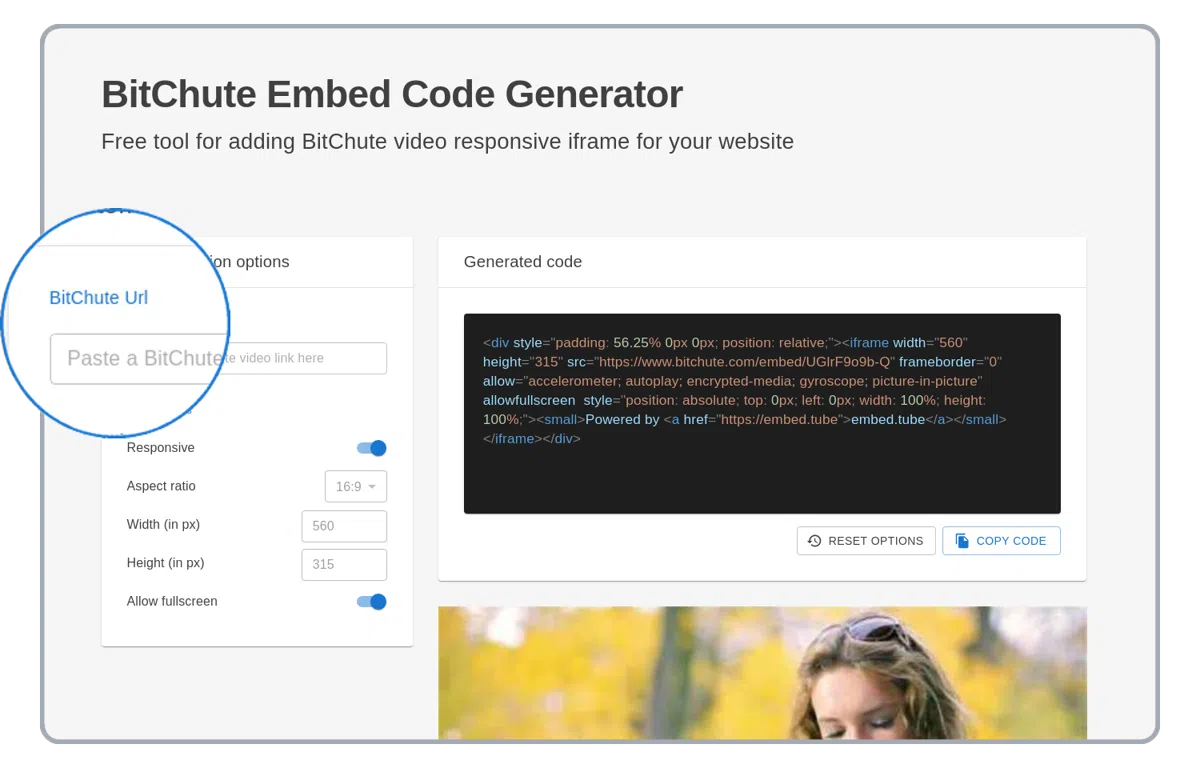
I-paste ang BitChute video link
I-paste ang BitChute video link sa url field sa ibabaw sa wala nga kolum.
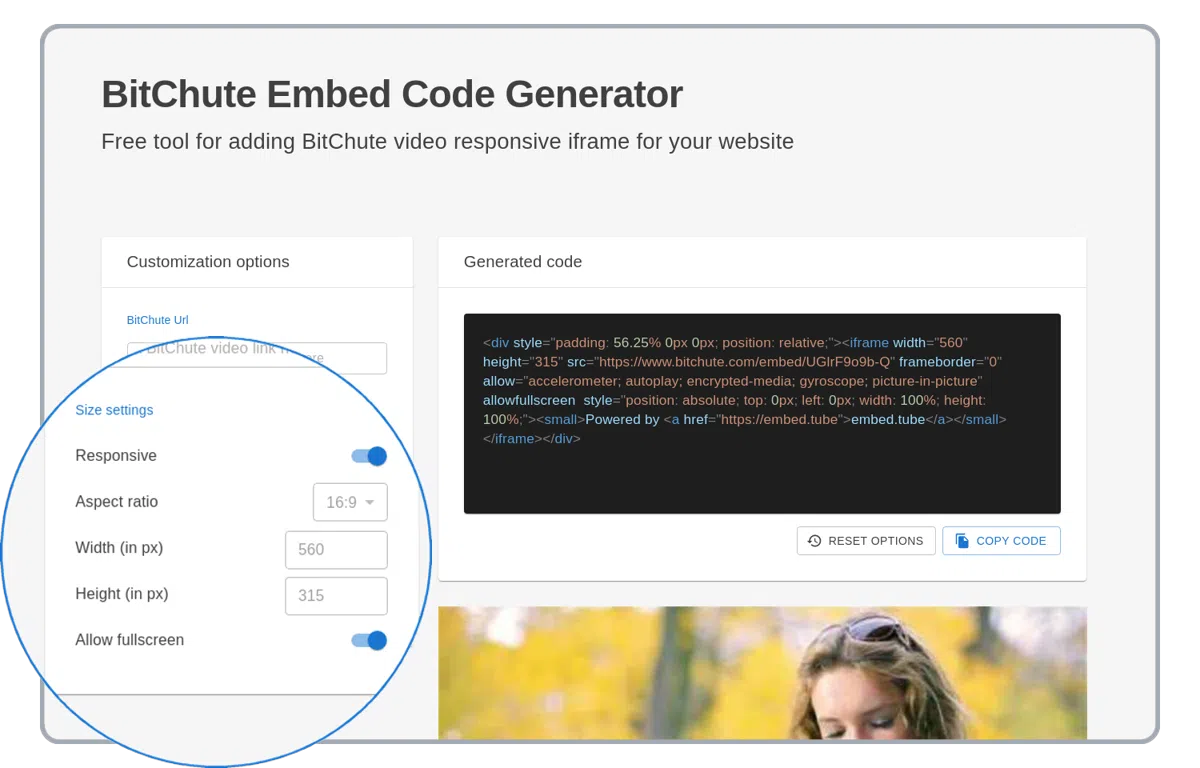
I-set ang custom nga BitChute player options
Ang BitChute player nagsuporta sa daghang mga opsyon sa pag-customize sama sa responsivity, aspect ratio ug daghan pa!
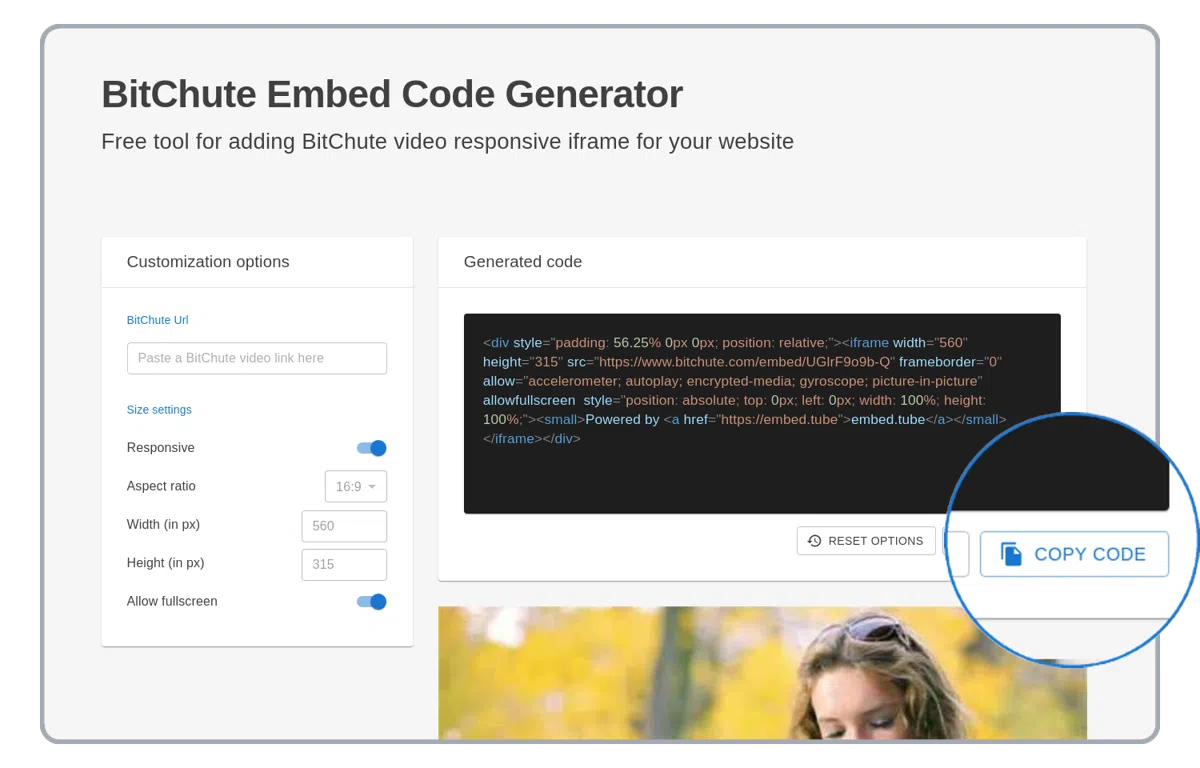
Kopyaha ang na-generate nga HTML code
Kopyaha ang na-generate nga HTML embed code nga adunay BitChute video! Gamita kini sa imong WordPress website, PowerPoint presentation o sa email.
Gisuportahan nga BitChute embed generator options
Pagpasabot sa tanan nga gisuportahan nga BitChute embedding options. Gamita ang mga opsyon sa ubos aron mapauswag ang BitChute HTML iframe code nga gi-embed sa imong website.
responsive
Ang "responsive" nga opsyon mopalapad sa BitChute embedded video sa tibuok gilapdon sa website o HTML container.
aspect ratio
Ang "aspect ratio" nga opsyon kanunay nga magpadayon sa porma sa embedded BitChute player.
gilapdon ug gitas-on
Makita lamang kung ang responsive nga opsyon gi-off. Manual nga pag-customize sa gilapdon ug gitas-on sa embedded BitChute player. Kung ang aspect ratio nga opsyon gi-set, ang gitas-on awtomatik nga mag-recalculate base sa gilapdon.
embed-code-generator_bitchute.supported-options.AUTOPLAY-VIDEO.name
embed-code-generator_bitchute.supported-options.AUTOPLAY-VIDEO.description
embed-code-generator_bitchute.supported-options.START-TIME.name
embed-code-generator_bitchute.supported-options.START-TIME.description
Gisuportahan nga BitChute URLs
https://bitchute.com/video/<video-id>
https://bitchute.com/embed/<video-id>
https://www.bitchute.com/video/<video-id>
https://www.bitchute.com/embed/<video-id>