YouTube Embed Code Generator
Free tool for adding a responsive YouTube embed to your website.
Customization options
- YouTube URL
- Size settings
- Sizing modeResponsive
- Aspect ratioWidescreen [16:9]
- Width (in px)
- Height (in px)
- Time settings
- Start time
- End time
- Autoplay video
- Loop video
- Appearance settings
- Hide controls
- Allow fullscreen
- Disable keyboard hotkeys
- Show related videos
- Show captions
- Player language
- Progress bar colorRed
- Don't force mobile fullscreen
- Mute video
YouTube embed code
How to embed YouTube content using this tool?
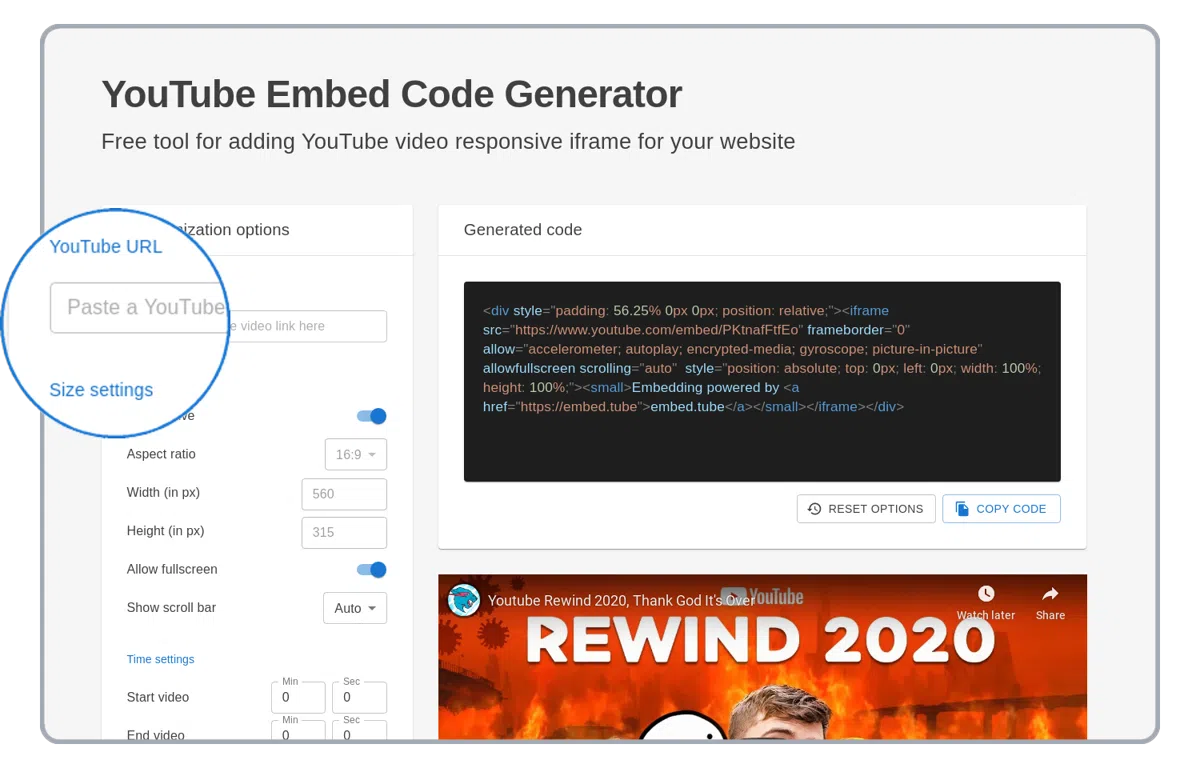
Paste a YouTube link
Paste a YouTube link in the URL field on the top of the left column.
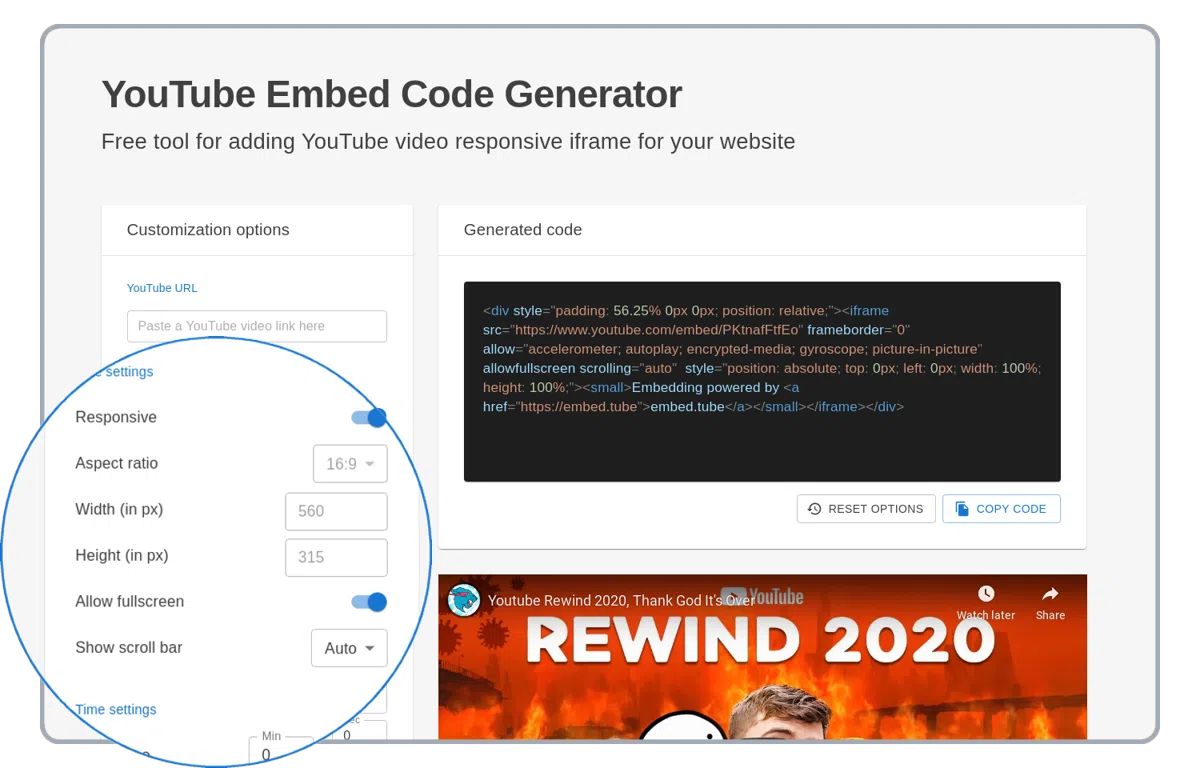
Set custom YouTube player options
YouTube player supports many customization options like autoplay, loop, mute, responsivity and many more!
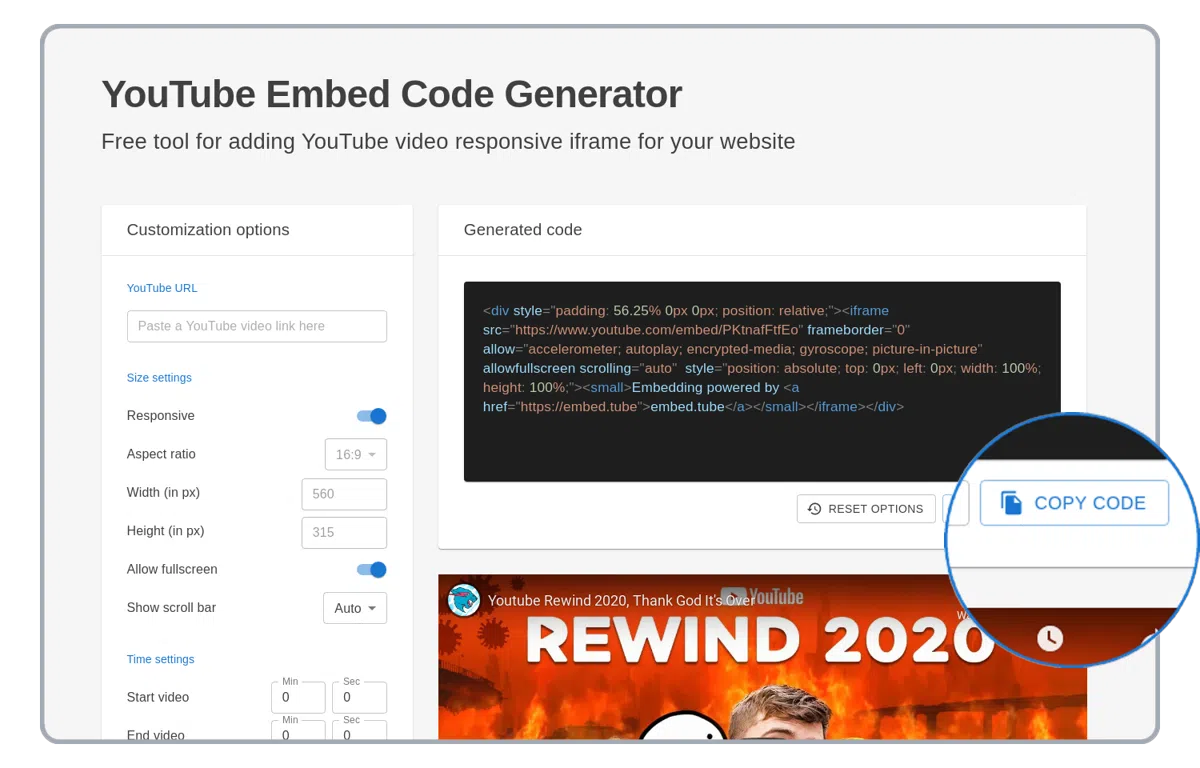
Copy generated HTML code
Copy generated HTML embed code with YouTube content! Use it on your WordPress website, PowerPoint presentation or in email.
Supported YouTube embed generator options
Explanation of all supported YouTube embedding options. Use below options to improve YouTube HTML iframe code embedded on your website.
responsive
The "responsive" option strech a YouTube embedded video to a full width of a website or a HTML container.
aspect ratio
The "aspect ratio" option always keeps the shape of the embedded YouTube player.
width and height
Appears only when the responsive option is off. Manual customization of width and height of embedded YouTube player. When the aspect ratio option is set the height will automatically recalculate based on the width.
start time
The "start time" option starts YouTube embedded video from a certain time
end time
The "end time" option ends YouTube embedded video with a certain time
autoplay video
The "autoplay video" option specifies whether the YouTube embedded video will automatically start to play when the YouTube player loads.
loop video
The "loop video" option plays the YouTube embedded video in the loop
hide controls
The "hide controls" option hides YouTube player control buttons and progress bar on embedded iframe.
disable hotkeys
Disable YouTube keyboard hotkeys in the embedded video
progress bar color
Changes color of the YouTube progress bar in the embedded video, possible options: (red, white)
mute video
Mute sound in the YouTube embedded stream or video.
allow fullscreen
Show the fullscreen button on the YouTube player
show related videos
When disabled, end-screen suggestions are limited to videos from the same channel. Cannot be fully hidden since September 2018.
show captions
Show closed captions by default on the YouTube player
inline playback
Play YouTube video inline on iOS instead of forcing fullscreen
no-cookie player
Use the privacy-enhanced YouTube player (youtube-nocookie.com) which does not store cookies for tracking
player language
Set the language of the YouTube player interface (menus, tooltips).
YouTube iframe embed options was based on https://developers.google.com/youtube/player_parameters
Supported YouTube URLs
https://youtube.com/watch?v=<video-id>
https://youtube.com/v/<video-id>
https://youtube.com/shorts/<video-id>
https://youtu.be/<video-id>
https://youtube-nocookie.com/embed/<video-id>
https://www.youtube.com/watch?v=<video-id>
https://www.youtube.com/v/<video-id>
https://www.youtube.com/shorts/<video-id>