BitChute Embed Code Generator
Libreng tool para sa pagdaragdag ng responsive na BitChute video iframe sa iyong website.
Mga opsyon sa customization
- BitChute URL
- Mga setting ng sukat
- Responsive
- Aspect ratioWidescreen [16:9]
- Lapad (sa px)
- Taas (sa px)
BitChute embed code
Paano mag-embed ng BitChute video gamit ang tool na ito?
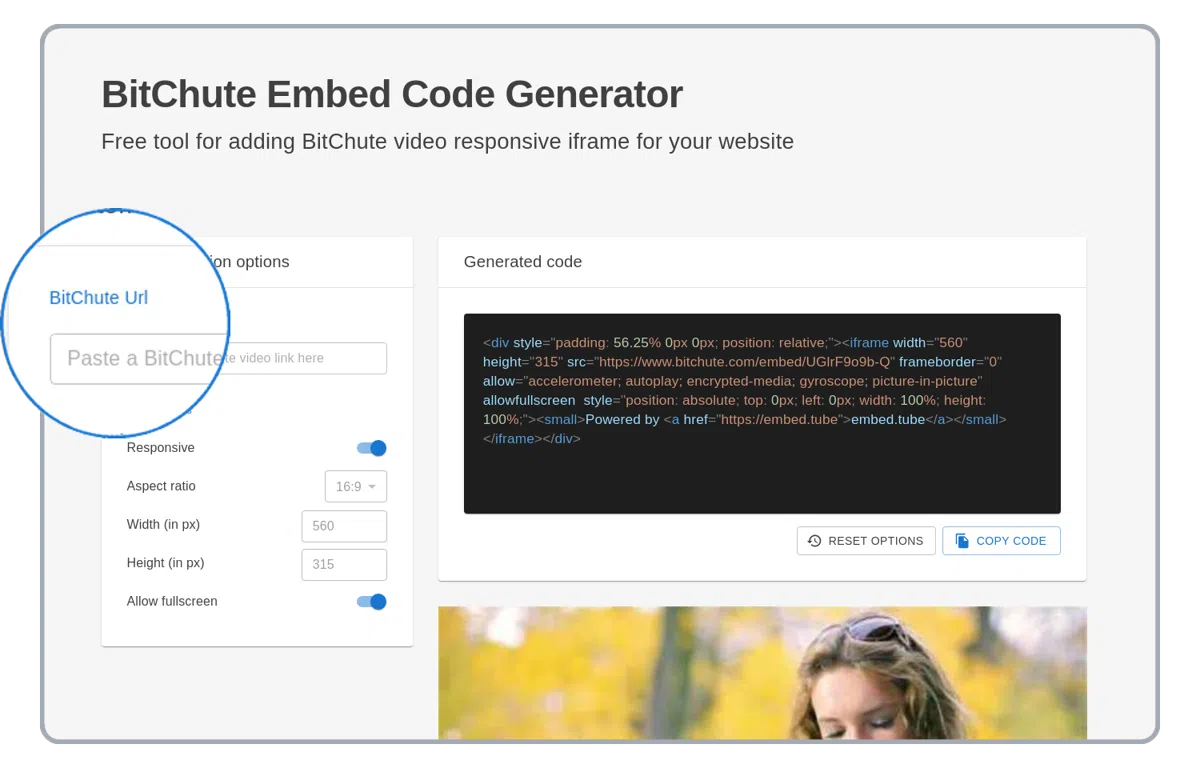
I-paste ang BitChute video link
I-paste ang BitChute video link sa URL field sa itaas ng kaliwang column.
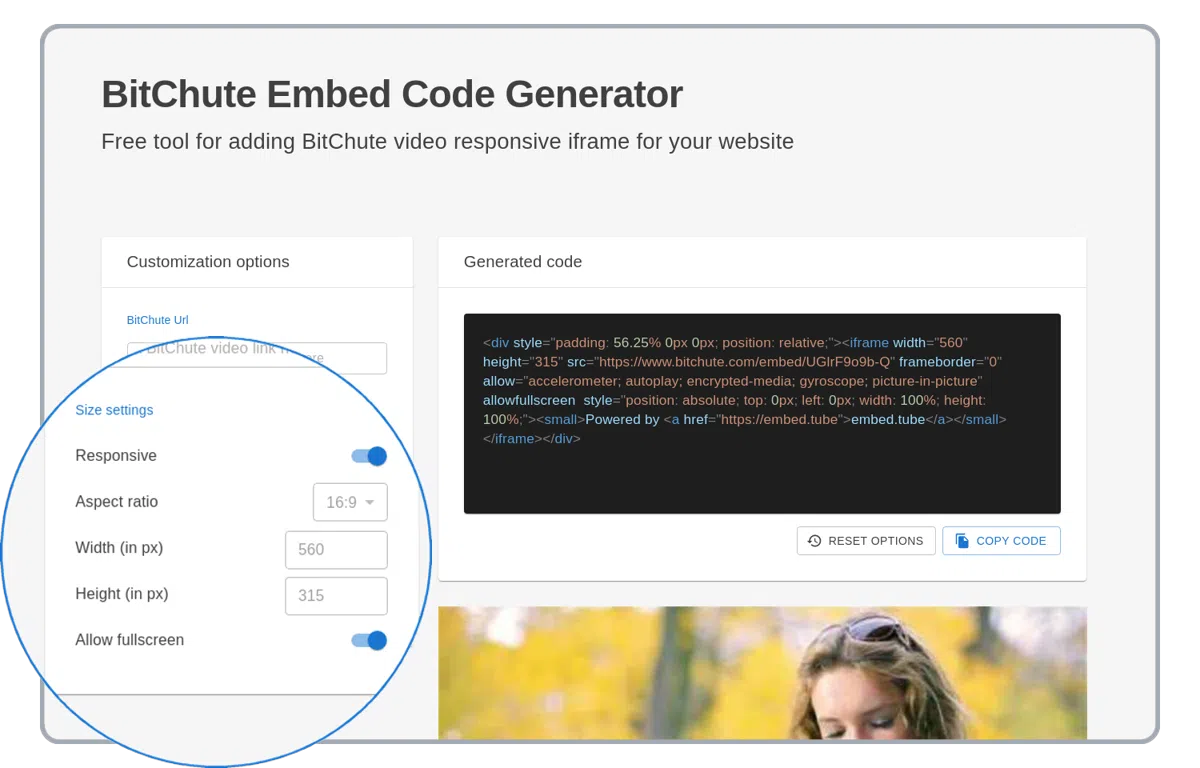
I-set ang custom na BitChute player options
Ang BitChute player ay sumusuporta ng maraming customization options tulad ng responsivity, aspect ratio at marami pa!
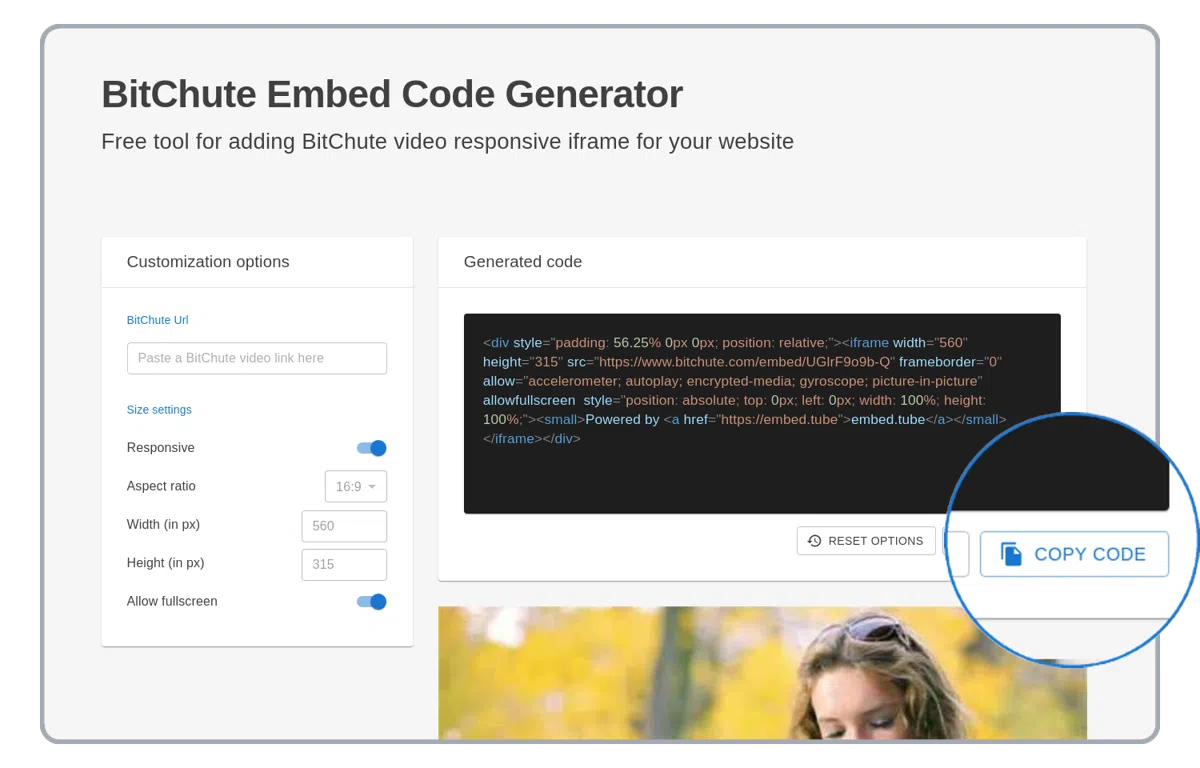
Kopyahin ang na-generate na HTML code
Kopyahin ang na-generate na HTML embed code na may BitChute video! Gamitin ito sa iyong WordPress website, PowerPoint presentation o sa email.
Mga sinusuportahang BitChute embed generator options
Paliwanag ng lahat ng sinusuportahang BitChute embedding options. Gamitin ang mga opsyon sa ibaba para mapabuti ang BitChute HTML iframe code na naka-embed sa iyong website.
responsive
Ang "responsive" na opsyon ay nag-uunat ng naka-embed na BitChute video sa buong lapad ng website o HTML container.
aspect ratio
Ang "aspect ratio" na opsyon ay palaging pinapanatili ang hugis ng naka-embed na BitChute player.
lapad at taas
Lumalabas lamang kapag naka-off ang responsive na opsyon. Manual na pag-customize ng lapad at taas ng naka-embed na BitChute player. Kapag naka-set ang aspect ratio, awtomatikong magre-recalculate ang taas batay sa lapad.
embed-code-generator_bitchute.supported-options.AUTOPLAY-VIDEO.name
embed-code-generator_bitchute.supported-options.AUTOPLAY-VIDEO.description
embed-code-generator_bitchute.supported-options.START-TIME.name
embed-code-generator_bitchute.supported-options.START-TIME.description
Mga Sinusuportahang BitChute URL
https://bitchute.com/video/<video-id>
https://bitchute.com/embed/<video-id>
https://www.bitchute.com/video/<video-id>
https://www.bitchute.com/embed/<video-id>